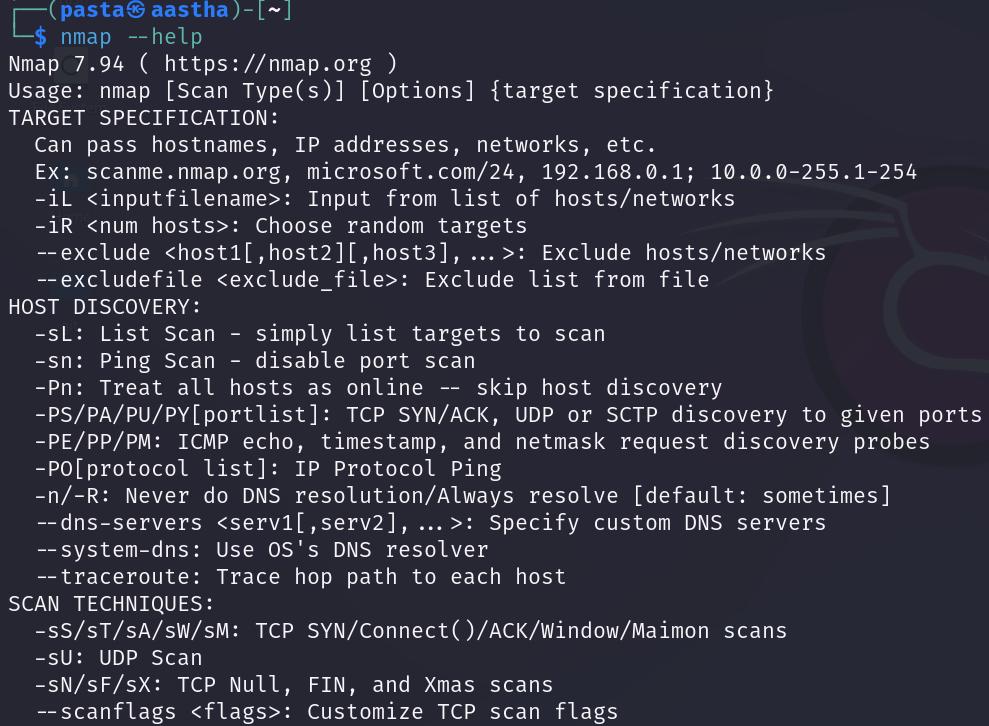
Nmap Enumeration Command Reference
Before You Begin
Before using Nmap, read Ports, Services, and the TCP Three-Way Handshake for a better understanding of how network services listen for connections and how Nmap determines whether ports are open, closed, or filtered.
Nmap is one of the primary tools used during network enumeration. It can identify live hosts, discover open ports, detect running services, and provide information about a target’s operating system and configuration. This reference collects the Nmap commands I commonly use during TryHackMe rooms and other authorized security labs.
Full TCP Port Scan
This scan checks all 65,535 TCP ports. The -Pn option skips host discovery, which is useful when a target does not respond to ping. The increased minimum packet rate helps the scan finish faster in a controlled lab environment. The -oA option saves the results in normal, XML, and grepable formats. Hint, using export $IP=<TARGET_IP> Will put the ip inside $IP
nmap -Pn -p- --min-rate 2000 -oA full-tcp-scan <TARGET_IP>Service and Version Detection
After identifying open ports, run a targeted scan against those ports. This uses Nmap’s default scripts and version detection to identify services, software versions, and potentially useful configuration details.
nmap -Pn -sC -sV -p<PORTS> -oA service-scan <TARGET_IP>
Example:
nmap -Pn -sC -sV -p21,22,80,443 -oA service-scan <TARGET_IP>
Common Nmap Options
| -pN | Skip host discovery and treat the target as online. (I remeber this one as ping NOT) |
| -p- | Scan all 65,545 TCP Ports |
| -sC | Run Nmap’s default NSE scripts |
| -sV | Detect service names and Versions |
| -p 80,22,21 | Scan only specified ports |
| –min-rate 2000 | Send at least 2,000 packets per second |
| -oA | Save results in all primary Nmap formats |
UDP Port Scan
UDP scanning is slower and less conclusive than TCP scanning because many UDP services do not respond unless they receive a valid protocol-specific request. Start with the most common UDP ports before attempting a complete scan.
nmap -Pn -sU --top-ports 100 -oA udp-top-100 <TARGET_IP>
For service detection on discovered UDP ports:
nmap -Pn -sU -sV -p<PORTS> -oA udp-service-scan <TARGET_IP>
Understanding Port States
- Open: An application is actively accepting connections on the port.
- Closed: The host responded, but no application is listening on that port.
- Filtered: A firewall or network device is preventing Nmap from determining the port’s state.
- Open|Filtered: Nmap cannot determine whether the port is open or being filtered. This is common during UDP scans.
Recommended Enumeration Workflow
- Run a full TCP scan to identify every open TCP port.
- Run service and version detection against only the discovered ports.
- Review the saved scan results before interacting with individual services.
- Run a targeted UDP scan when the room or environment suggests UDP services may be present.
- Perform service-specific enumeration based on the results.
Only scan systems you own or have explicit authorization to test. Aggressive scan settings can trigger security alerts or affect fragile systems, so adjust the scan rate for production environments.
Nmap Offilcal Web Page -> Nmap